













Beschreibung
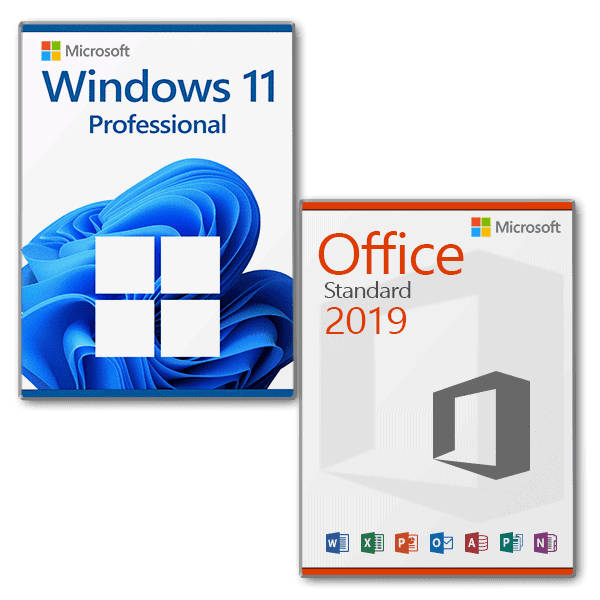
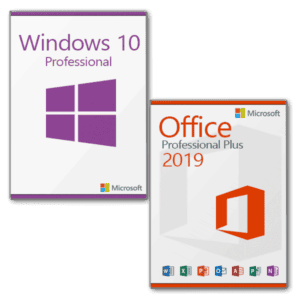
Vorteilspaket Microsoft Windows 11 Professional + Microsoft Office 2019 Standard Lizenz für 3 PC
With this license, the software can be activated on 3 different devices, e.g. home PC, notebook and work PC.
- Processor: 1 Gigahertz (GHz) oder schneller mit 2 oder mehr Kernen auf einem kompatiblen 64-Bit-Prozessor oder SoC (System on a Chip).
- RAM: 4 gigabyte (GB)
- Storage space: 64 GB oder mehr. Hinweis: Siehe unten unter „Weitere Informationen zum Speicherplatz, um Microsoft Windows 11 aktuell zu halten“ für weitere Details.
- System firmware: UEFI, Secure Boot capable
- TPM: Trusted Platform Module (TPM) Version 2.0
- Graphics card: Kompatibel mit DirectX 12 oder höher mit WDDM 2.0 Treiber
- Display: Hochauflösendes Display (720p) mit einer Diagonale von mehr als 9″, 8 Bit pro Farbkanal
- Internet connection and Microsoft accounts: Internet access is required for all Microsoft Windows 11 editions to perform updates and to download and use some functions. A Microsoft account is required for some functions.
Microsoft Office 2019 Standard
With this license, the software can be activated on 3 different devices, e.g. home PC, notebook and work PC.
Mit Microsoft Office 2019 Standard erhalten Sie eine moderne Bürolösung von Microsoft. Die klassische Version der weltweit besten Microsoft Officeanwendungen deckt alle Ihre täglichen Anforderungen ab. Webversionen von Word, OneNote, Excel und PowerPoint ermöglichen einen einfachen Zugriff von überall.
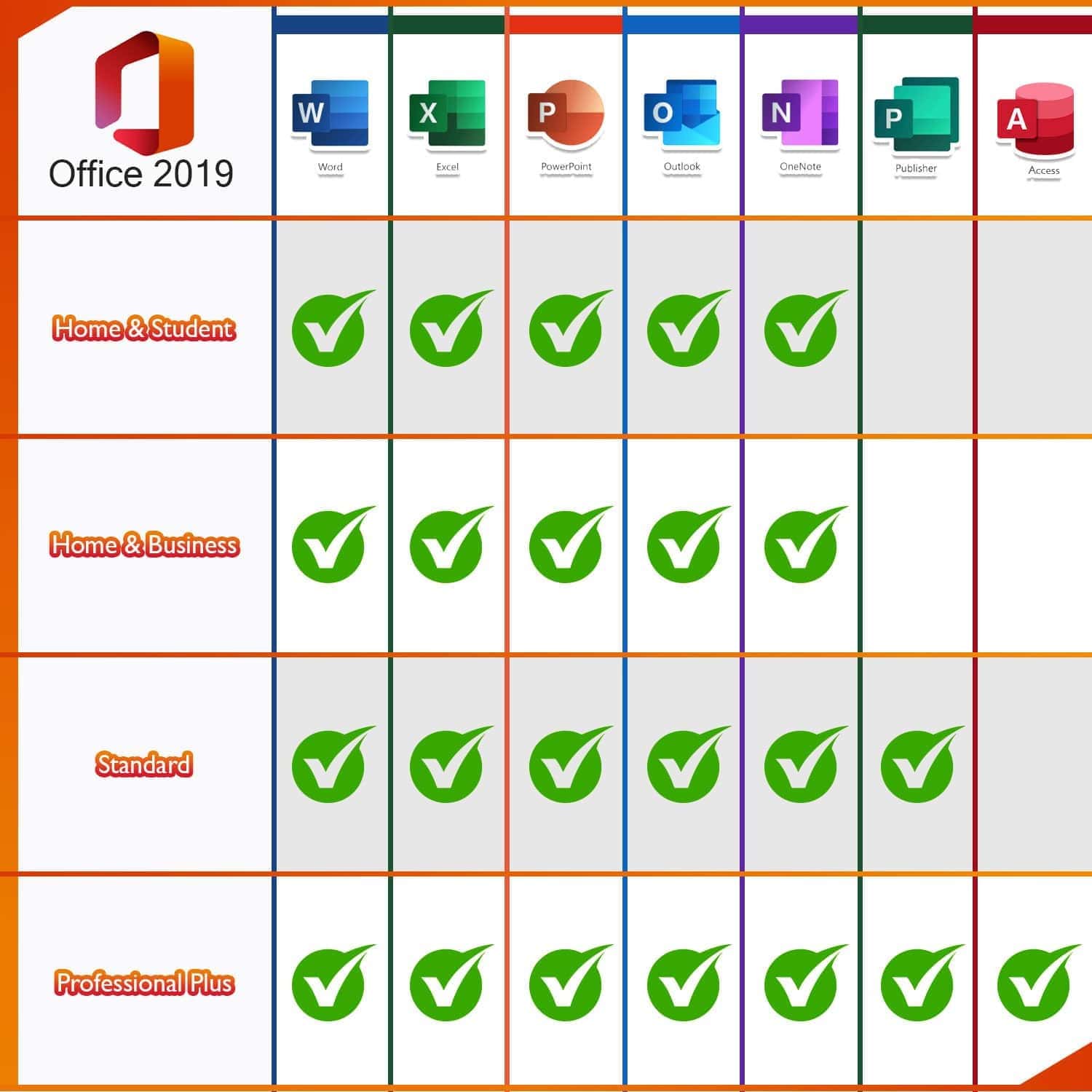
Everything you need at a glance:
- Word 2019 - for creating and editing your texts and documents
- Excel 2019 - for editing data records in tabular form
- PowerPoint 2019 - for the creation of captivating presentations
- Outlook 2019 - for managing e-mails, contacts, appointments and tasks
- Publisher 2019 - for the simple creation of professional-looking publications
OneNote is no longer part of the Microsoft Office package, but is available as a 1TP3 application in Microsoft Windows 10, which is a prerequisite for using Microsoft Office 2019. Older Microsoft Windows versions are not supported.
Zeit effektiver nutzen durch ein intelligentes Mailprogramm
Schnell ist der Posteingang überfüllt mit unwichtigen Mails und Spam. Dies führt dazu, dass Sie oder Ihre Mitarbeiter nicht effizient arbeiten können und Zeit verloren geht. Microsoft Outlook 2019 wurde weiterentwickelt und um die Funktion „Clutter“ erweitert, so dass das Programm selbst irrelevante E-Mails erkennt und sofort aussortiert. Dadurch ist Ihr Posteingang übersichtlicher und Sie können sich um die wirklich wichtigen Aufgaben kümmern.
Support:
Bei Fragen zögern Sie bitte nicht, uns
per E-Mail
zu kontaktieren. Unser Kundensupport ist 7 Tage die Woche, 24 Stunden am Tag verfügbar.




Reviews
There are no reviews yet.